

Home > Classes > Art + Design > Craft Technology
Watercolor Painting in Procreate: A Digital Daily Practice

All levels
|
4 hours 2 min
|
01:38
|
|
03:42
|
|
04:09
|
|
03:55
|
|
03:57
|
|
03:03
|
|
22:09
|
|
13:14
|
|
10:31
|
|
08:40
|
|
10:33
|
|
10:59
|
|
12:06
|
|
07:50
|
|
08:19
|
|
04:41
|
|
12:02
|
|
09:37
|
|
04:21
|
|
08:44
|
|
05:39
|
|
07:40
|
|
03:34
|
|
04:33
|
|
05:24
|
|
09:14
|
|
06:54
|
|
09:21
|
|
06:03
|
|
09:42
|
|
07:25
|
|
02:43
|

Taught by Sanae Ishida
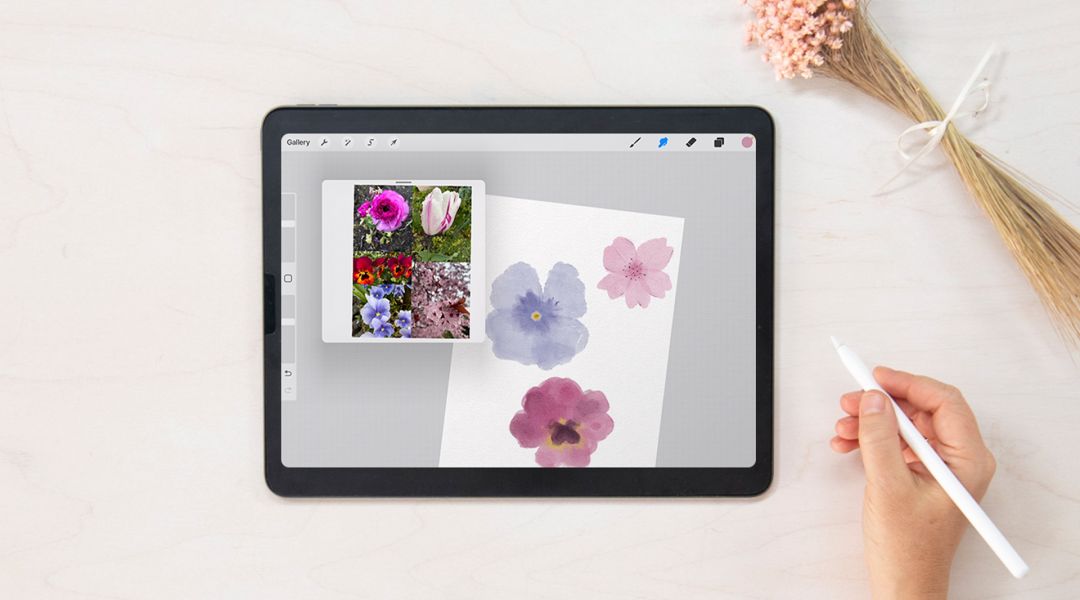
The allure of traditional watercolor painting is undeniable but sometimes you need a creative change or simply cannot wait for paint to dry. This is where the digital watercolor painting process becomes invaluable. Sanae Ishida, an artist of many talents, has seamlessly integrated Procreate into her repertoire and developed a deep fondness for its capabilities. With her expert guidance, delve into the world of digital watercolor art, moving/resizing/erasing, employing clipping masks for precise painting within boundaries, and harnessing the power of layers to bypass the drying time. Additionally, she has designed a collection of distinctive brushes and templates for this Daily Practice, meticulously crafted to authentically replicate the watercolor aesthetic.
Download your digital assets, which include:
Books shown on Day 5
Learn how to:
Here’s what you’ll need:
- iPad (Requires iPadOS 15.4.1 or later)
- Compatible Apple Pencil
- Procreate downloaded from App Store ($9.99) Version 5.3.5 is most recent at time of recording
- If needed, find Procreate FAQs here
Download your digital assets, which include:
- Reference Images
- SI Brushes
- SI Stamps
- Color palatte
- Digital watercolor paper
- Tags template
- Stationery template
- Reference Sheet for brushes and stamps
Books shown on Day 5
- Chibi Samurai Wants a Pet: An Adventure with Little Kunoichi the Ninja Girl by Sanae Ishida
- How to Draw Almost Everything: An Illustrated Sourcebook by Chika Miyata
- The Draw Any Animal Book: Over 150 Simple Step-by-Step Drawing Sequences for Every Kind of Creature by Robert Lambry
- Draw 1001 Animals (Volume 1) by Mark Bergin
Downloads:
- Use clipping masks to paint within the lines
- Work with layers
- Make a stamp from any image
- Turn your artwork into envelopes, cards and tags


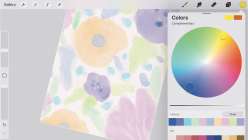
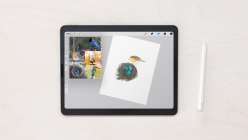
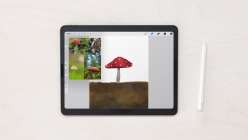
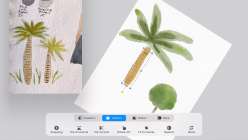
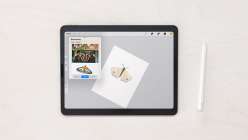
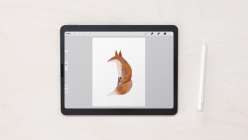
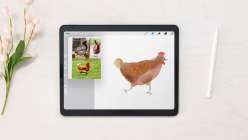
Member Gallery
Browse members' projects from this class and share your own work! Learn how to take great photos here.
Load More
Transcript
Notes
Your timecode tags and notes for this section
Class PDF
Watercolor Painting in Procreate: A Digital Daily Practice Reviews
33 users recommended this class to a friend

Sharon Rohloff
Fun to learn how to use digital brushes to make realistic watercolor effects.
October 16, 2025

Autumn Clark
I played along with these lessons and loved my watercolor doodles! I truly appreciate the free brushes and skills learned from this class. I can't wait to paint some of my images as gift tags!
More than 3 months ago
1

Lillian Bolster
This was a great class! I loveed the different pictures and animals we made. I've played around some with Procreate and learned some new tricks. I stumbled a little on Day 28 with making the stamp. A couple of steps were cropped out during the editing but i figutred it out. I loved it overall.
More than 3 months ago
1
Related Classes